Circulation laboratory
Passivo
Sketch indoor spaces, simulate living crowds, and refine pedestrian flow before you build.
How the studio works
Three steps from empty canvas to measured what-if experiments.
-
01
Sketch the space
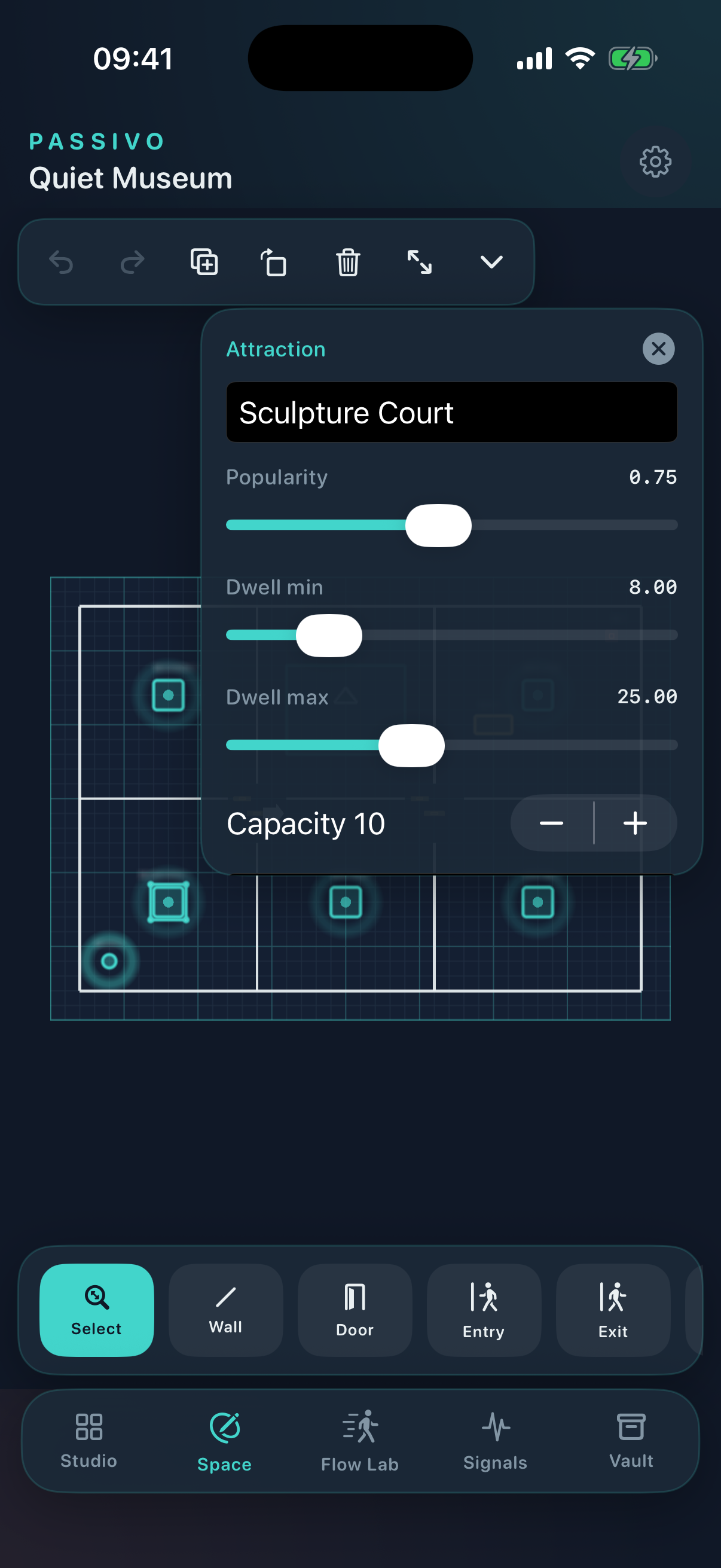
Draw walls, doors, entrances, attractions, queues and zones on an interactive floor-plan canvas.
-
02
Simulate the crowd
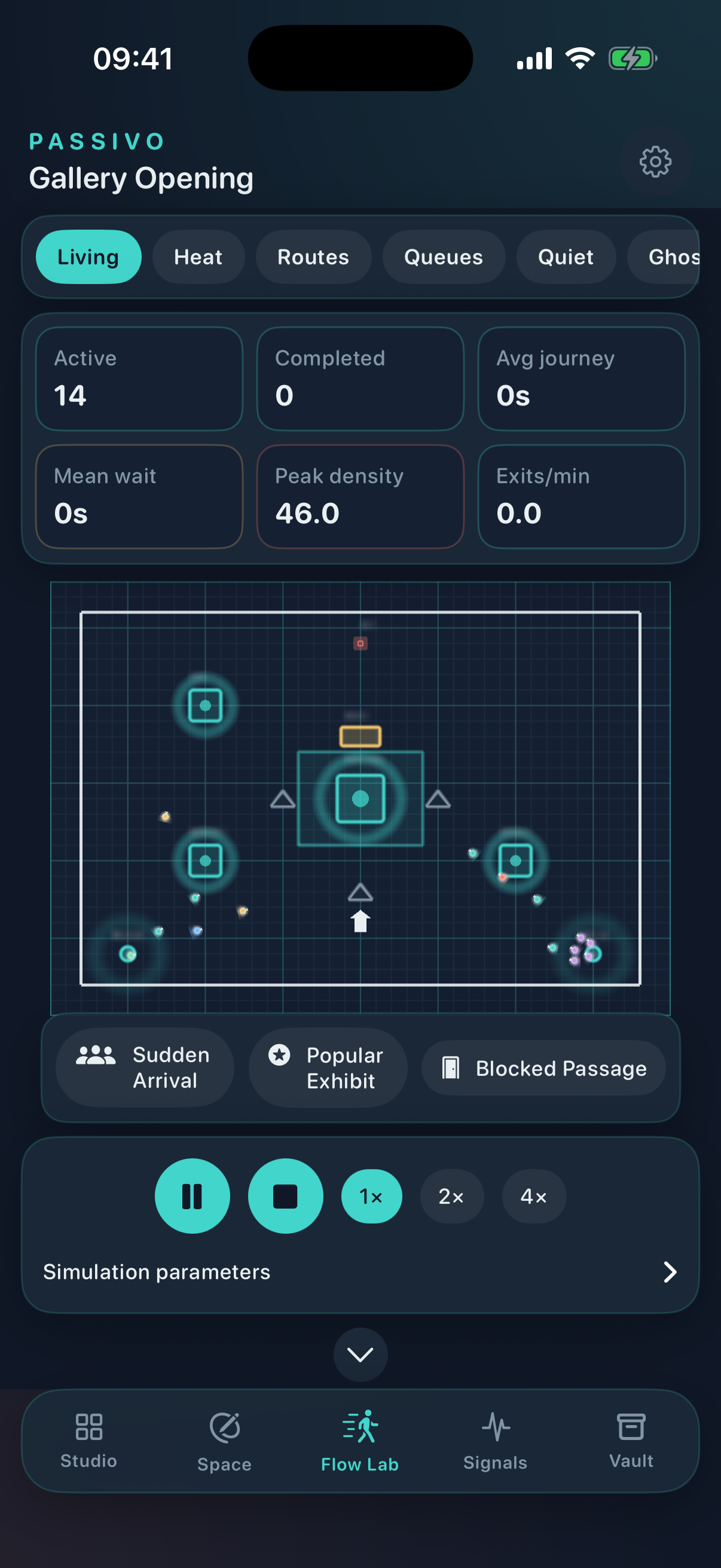
Run living visitor profiles with real pathfinding, queues, trails and density heatmaps.
-
03
Compare and refine
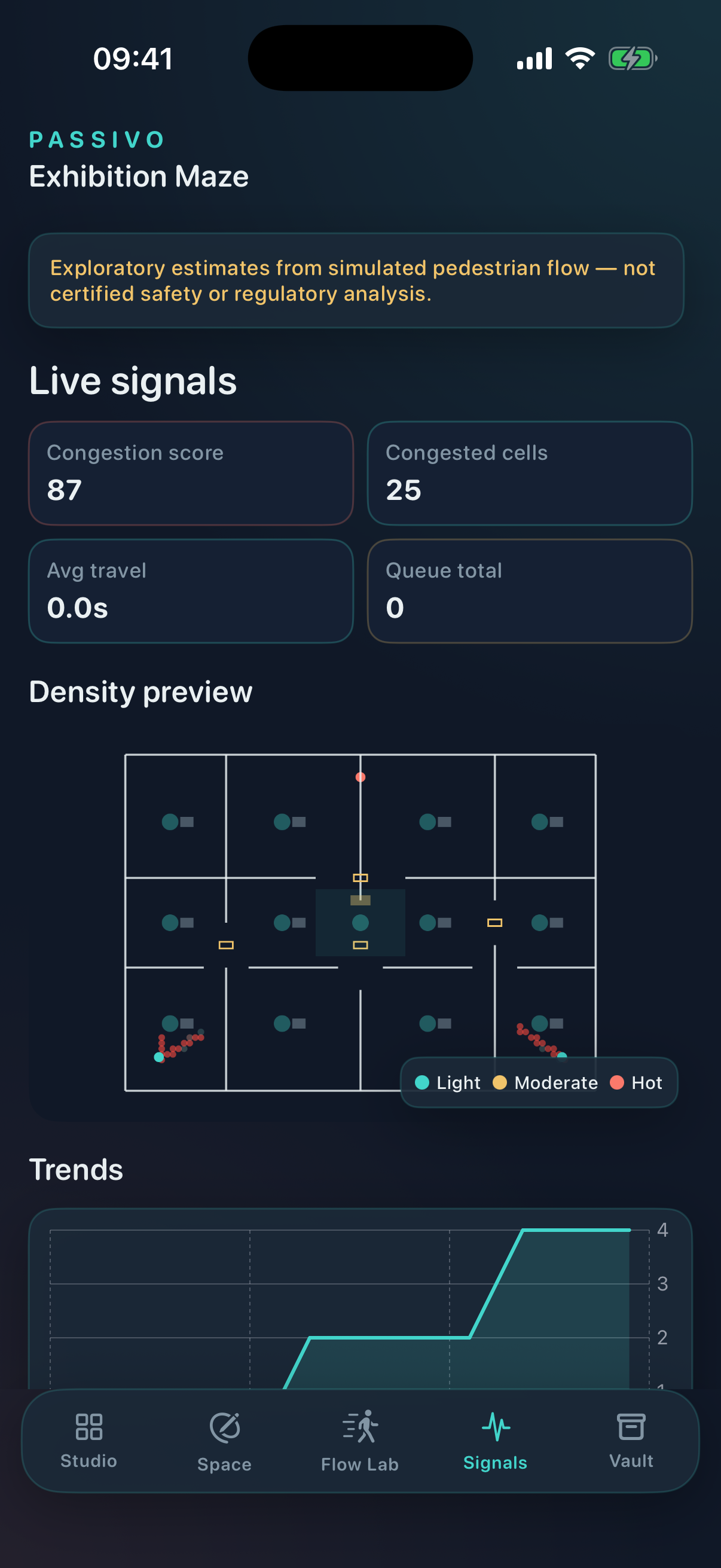
Pulse experiments, ghost replays and bottleneck signals help you test layout variants offline.
Inside the spatial lab
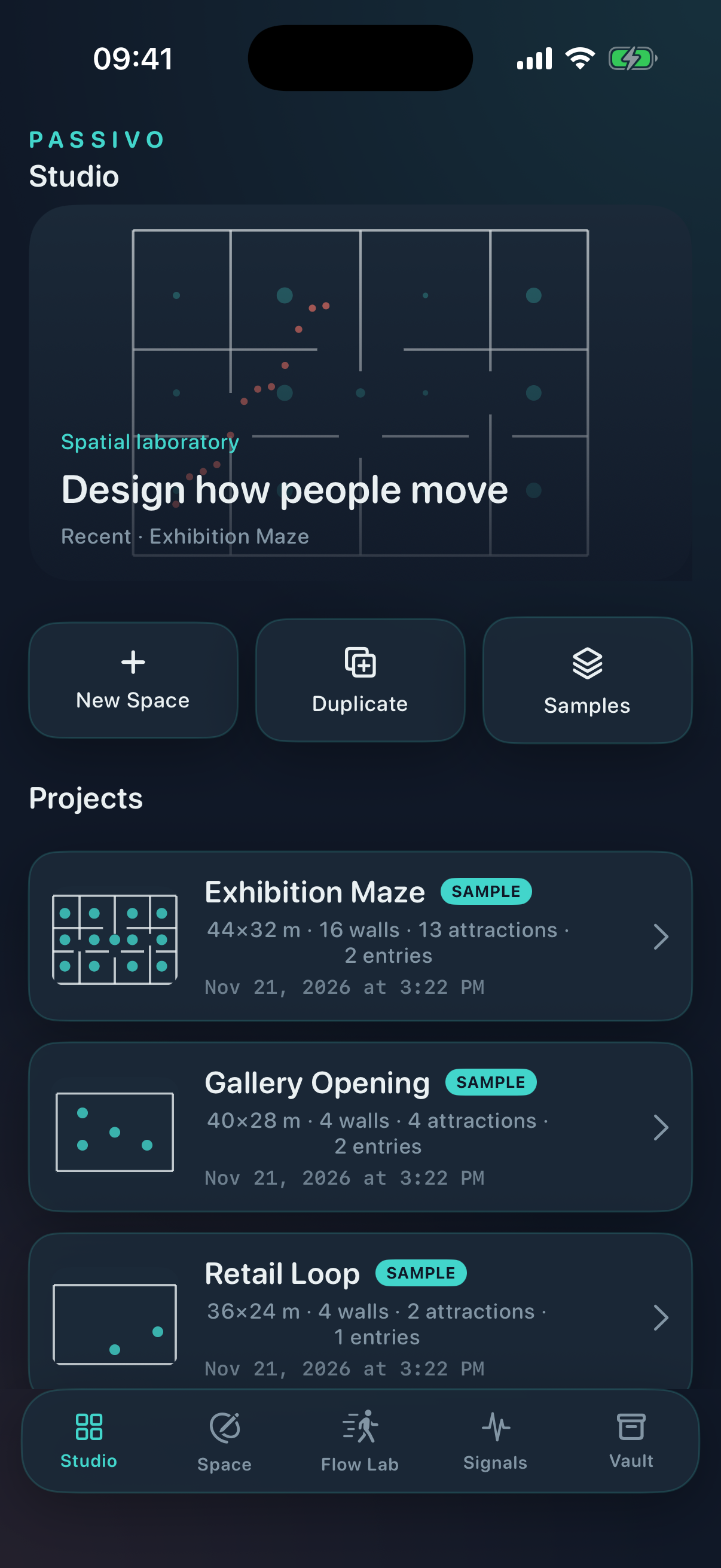
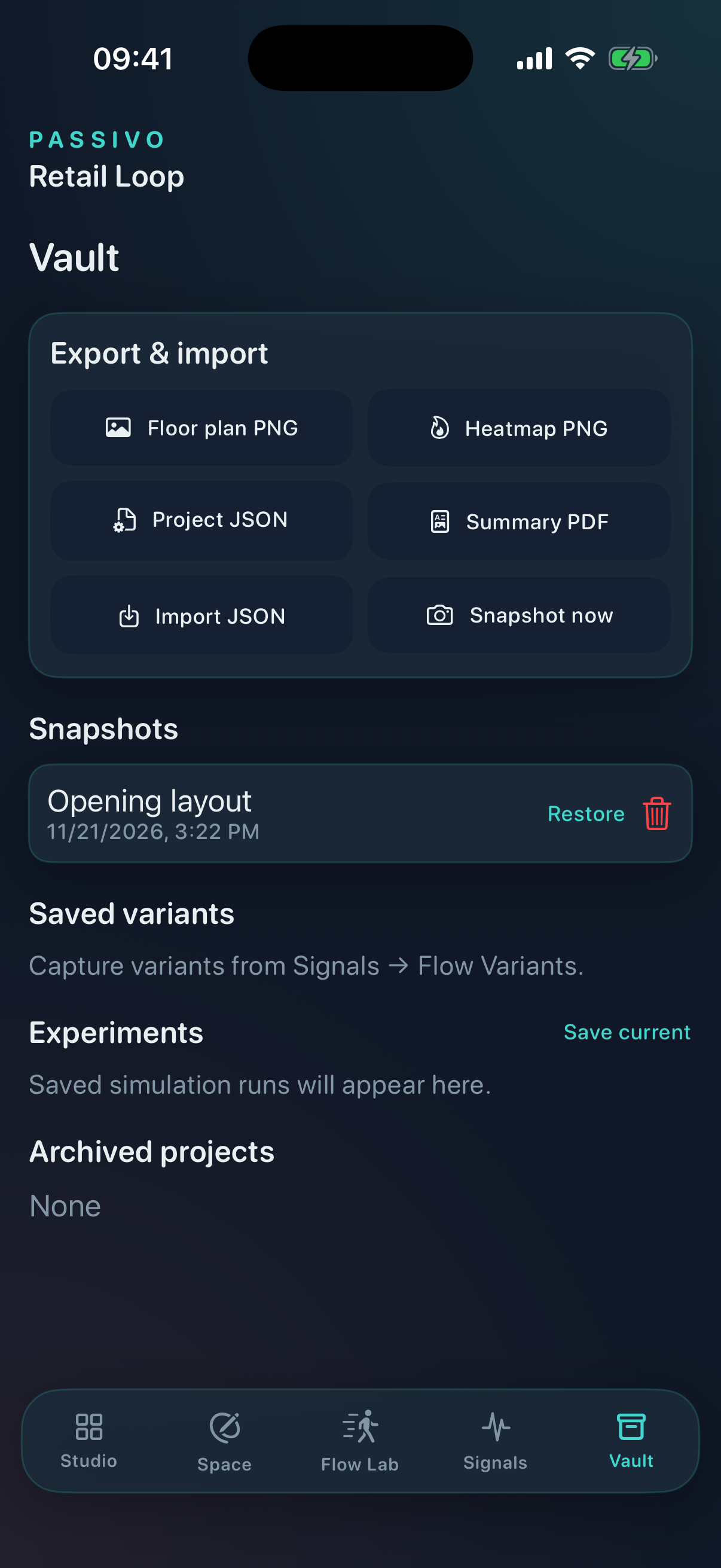
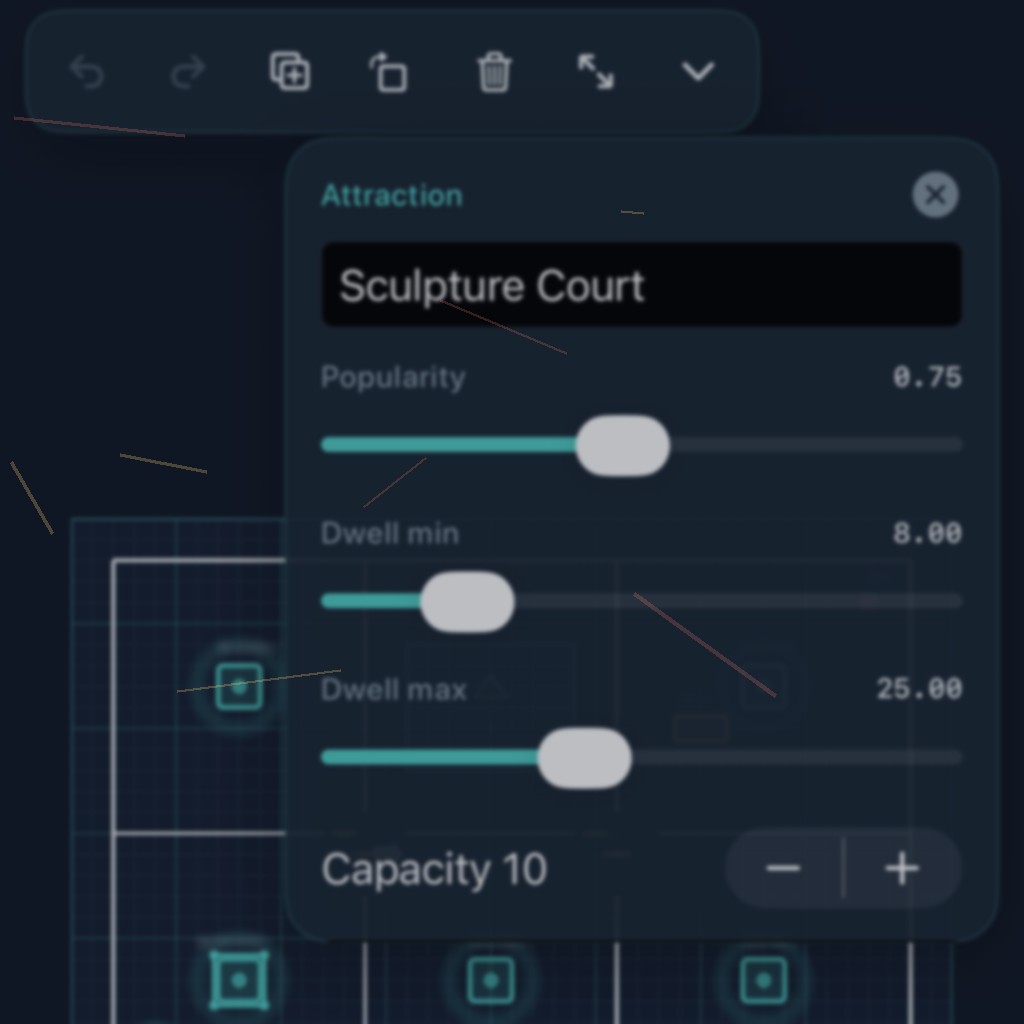
Studio, Space editor, Flow Lab, Signals and Vault — captured from the iPhone app.
Atmosphere
Architectural graphite, aqua pathways and coral pressure — the visual language of Passivo.
Privacy & Support
Policies for the Passivo iOS app. Contact us anytime with questions.
Privacy Policy
Last updated: November 21, 2026
Passivo (“we”, “us”) provides an offline pedestrian-flow design studio for iPhone. This policy explains how the app handles information.
Data we process
Passivo is designed to work without an account and without sending your floor plans or simulation results to our servers. Project files, snapshots and settings are stored locally on your device (Application Support / app sandbox).
No tracking SDKs
The app does not include third-party analytics, advertising or social login SDKs. We do not sell personal data.
Exports you choose
If you export PNG, PDF or JSON and share them via the system share sheet, those files leave the app under your control and according to the destination you select.
Children
Passivo is not directed at children under 13. Do not use the app to submit information about children.
Contact
Questions about privacy: oleksiinikolenko@renzhertov.org
Changes
We may update this policy. The “Last updated” date above will change when we do.
Support
Need help with Passivo — floor-plan editing, simulation, exports or App Store access?
Email: oleksiinikolenko@renzhertov.org
Please include your device model, iOS version and a short description of what you were doing when the issue occurred. Screenshots help us respond faster.
We aim to reply within a few business days.